If you can share it, it belongs in the archive.
Links, videos, documents, screenshots, photos — through the system share sheet. No copy-paste marathon.
What this looks like in the app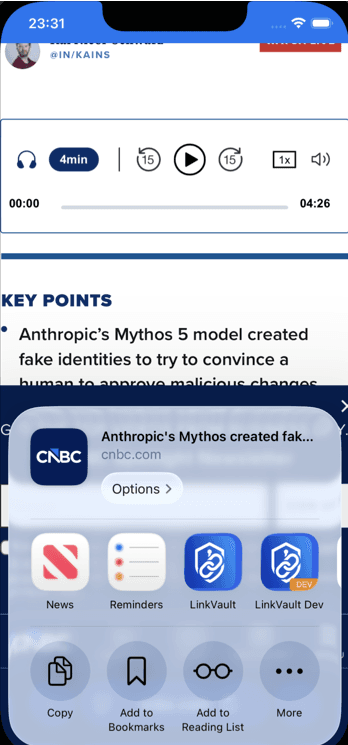
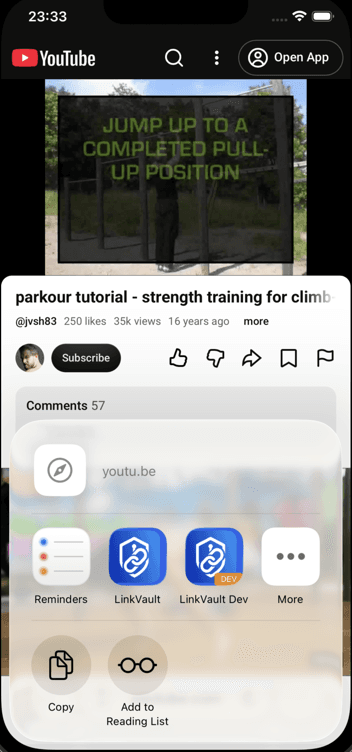
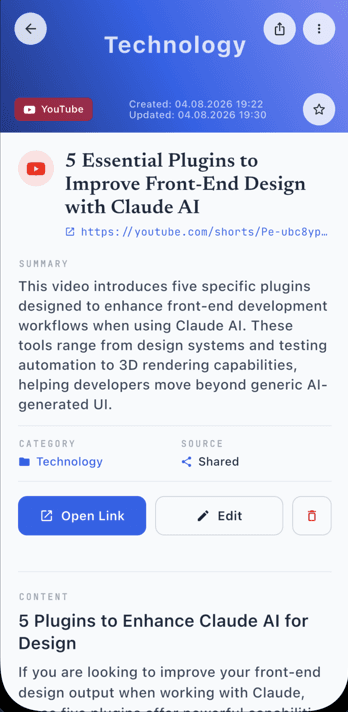
Now I drop it in one vault. Title comes with the page. Category and a summary when I ask. Sync across my devices when I want the same library everywhere. I don't keep the article in my head — I keep the place I can get it.
Most people are saving a first link in under a minute.
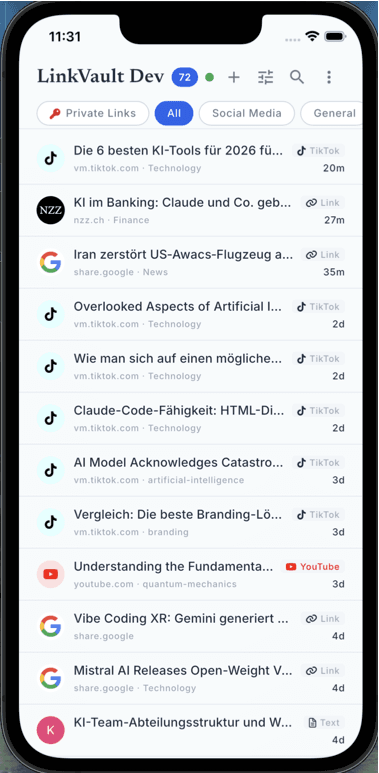
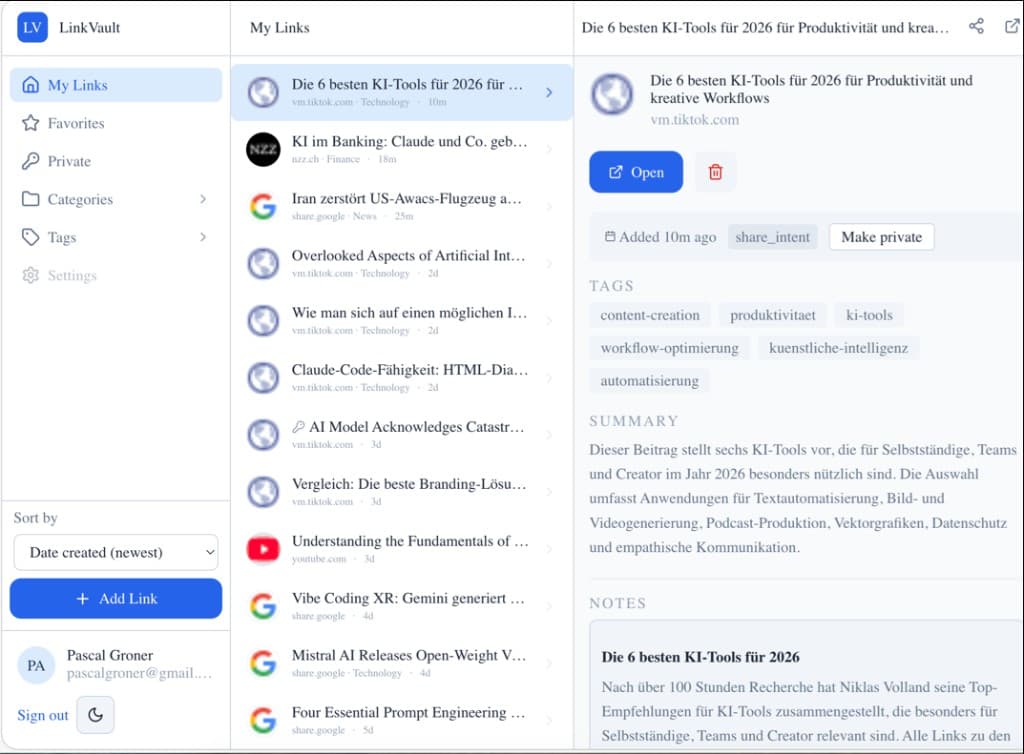
Information is a place, not a memory. I don't need the content in my head — I need to know where to get it, with enough context that I recognize it.
Same app. Different shelf. Pick the drawer that's yours.
Recipes you'll actually cook again. Trip plans. The hobby rabbit hole from 2am.
Share sheet, AI that waits for you, search that matches what you meant — and it still works with the radio off.
Links, videos, documents, screenshots, photos — through the system share sheet. No copy-paste marathon.
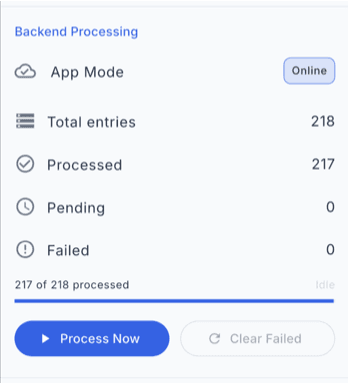
Summaries, tags, categories, extracted text. Ready when you open the library — files stay off AI unless you send them.
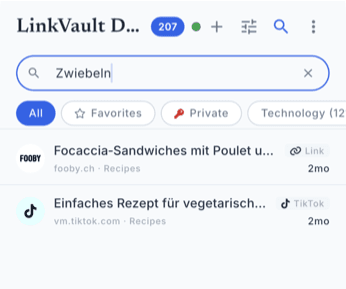
Vector search over titles and saved text. Exact keywords optional.
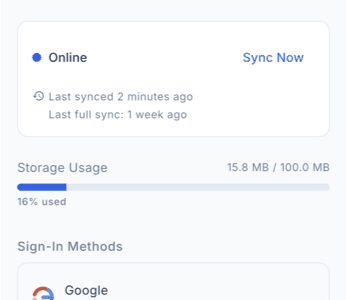
Differential sync moves the delta, not the whole library. Phone, tablet, desktop stay aligned.
The library lives in SQLite on the device. Read and sort with zero network.
Encrypted sync with row-level security. Only your account sees your rows.
Share, dump it in, find it when the original tab is long gone.
Tap the share button in any app — or use the browser extension — to capture a link instantly.
Add tags, pick a category, or just let it land in your inbox. Organize later at your own pace.
Search full-text, filter by tag, or browse categories. Your links are always one tap away.
The LinkVault Professional extension for Chrome and Edge drops the current page into the same vault as your phone. I don't send files to AI unless you ask.
Everyone sees the same links and files. Read state stays personal. Two stories below: a firm, and a classroom.
Business
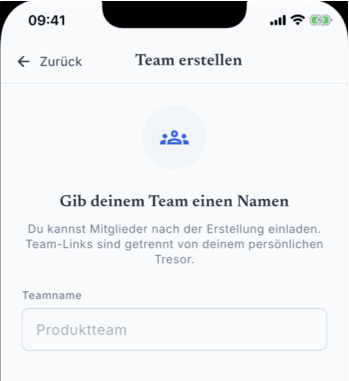
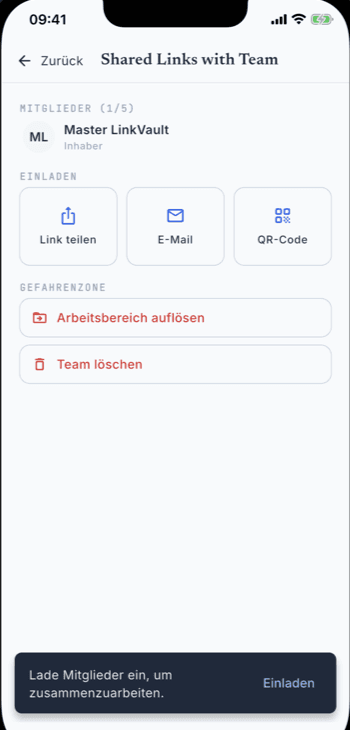
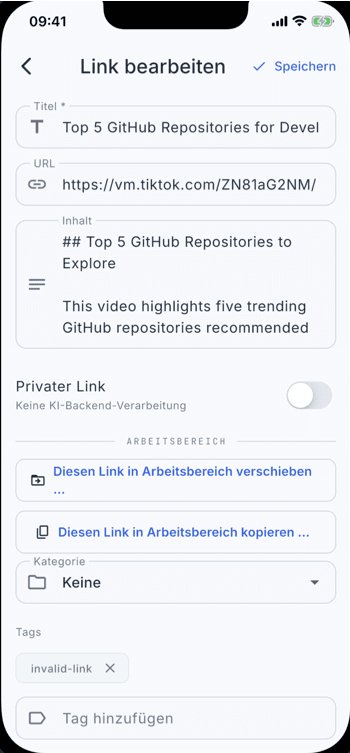
Onboard people, set roles, copy or move a competitor page into the shared box — the deck three people edit at once.
Classroom
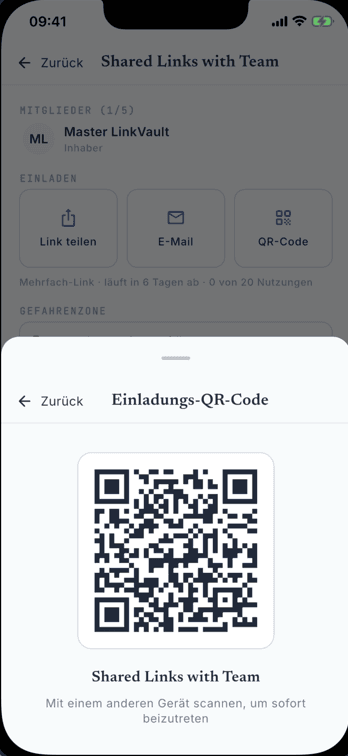
QR on the projector, the class joins, one collection for the lecture — sorted by class, not by chaos.
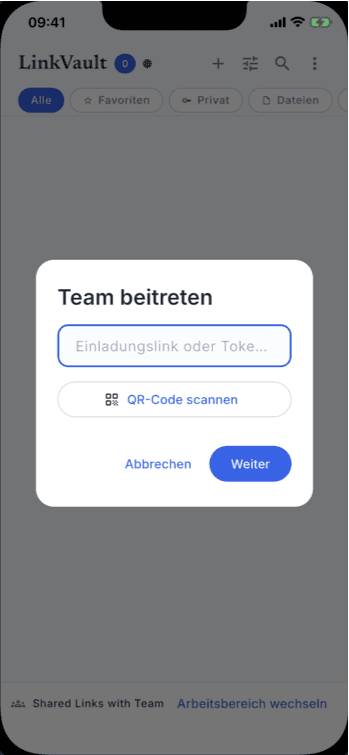
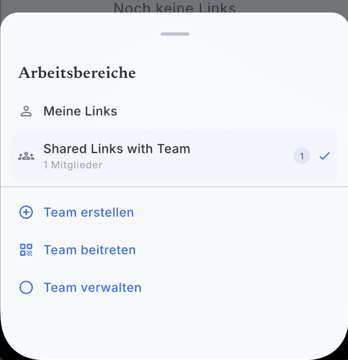
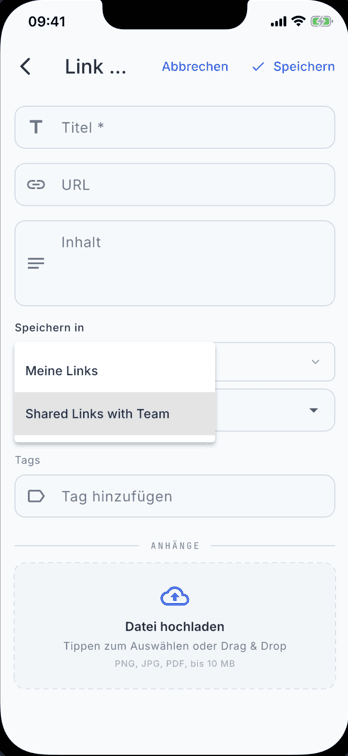
One team library across phones, tablets, and desktops — same links and files for everyone.
Send an invite. Teammates join without forwarding bookmarks one by one.
You control who belongs. Personal libraries stay private; team libraries stay scoped to members.
No ads. No profiling. Offline is the default, not a pitch.
Links are stored on-device in SQLite. No cloud required to use the app.
We do not sell your data or run ad networks. Ever.
Cloud sync uses Supabase with row-level security. Only you see your data.
Wipe your account and all cloud data at any time from the app settings.
Read the full privacy policy — the long version, not the marketing one.
Native apps for iOS, macOS, Android, and Windows, plus a PWA web app and Chrome/Edge extensions — all fully synchronized to the same library.
| Surface | What you get | Where to get it |
|---|---|---|
| Mobile Apps | iOS & Android — native apps with share sheet and offline access. | Where to get it → |
| Native Apps | macOS & Windows — full desktop experience with system tray. | Where to get it → |
| Browser Extension | One-click save from Chrome or Edge. | Where to get it → |
| Web App | PWA (/pwa) or lighter /app — same vault in the browser. | Where to get it → |
Summaries, tags, categories. Semantic search matches the topic you remember.
Differential sync. Phone, tablet, desktop, extension.
Google or Apple, phone or laptop. Same links and files — not a silo per device.
Title, one sentence, then the article. Use cases live on the guides page.
Free tier, shutdown, Raindrop, export — the stuff landing pages usually hide.
Download and use the local library for free: capture, organize, search on device. Cloud sync and AI have a monthly free allowance. If I already processed that article, enrichment does not spend your allowance. Plus and Team raise limits and add import and reprocess. No ads. I don't sell what you save.
Yes. Links and files sit in SQLite on the device. Read, search, sort with no internet. Sync waits until you reconnect.
LinkVault Professional sends the delta since last sync, not the whole vault. Devices on the same account catch up in the background.
After you save, the pipeline can extract page text, write a summary, suggest tags and a category. Videos and PDFs get transcripts or text. Files are not sent to AI unless you ask. Results come back to the device.
The canonical copy is already on your device. Export JSON from Account settings whenever you want. Cloud copy lives in the EU with row-level security; you can delete account and cloud data from the app. I am a Swiss sole proprietor — but keep the export anyway. That's the honest answer.
Raindrop keeps the default library in the cloud. LinkVault Professional keeps SQLite on the device first, optional EU sync, no ads, a shared team vault. If you want collections in someone else's cloud, stay there. If you want the file on the phone when the API is down, this is the difference.
Pages, YouTube and other videos (transcripts), PDFs, images (OCR), screenshots. Anything the iOS or Android share sheet can hand over lands in LinkVault Professional.
Yes. Signed-in and guest modes export the library to portable JSON and import it again from Account settings — mobile, extension, and web app.
One offline library: save from any app or the extension, then sort with categories and tags, search titles and text, attach PDFs or screenshots next to the link. Optional AI can suggest a category and tags — files stay off AI unless you ask. Filter by type or favorites. Export JSON anytime.
Free to download. The library stays on the device. Plus is optional if you need more AI and cloud.